
How To Use Short-Form DevLogs In Social Media Marketng - Lesson Preview
When devlogs first became popular, they were typically long-form videos (often 5 minutes or more) explaining various technical aspects of game development. While these detailed videos can be highly insightful and engaging, they have one major drawback: the people watching these long, highly technical devlogs are often other developers, not your future players.
Long form highly technical devlogs do not attract your customers because:
- They are too long: People generally enjoy short, “snackable” content between 15 and 60 seconds. There’s a reason why platforms like TikTok and YouTube Shorts are so popular.
- They can be too complicated: Viewers may not understand complex concepts such as the algorithms behind procedural world generation or inter-system coordination unless they are also developers.
Instead, think of your audience as enjoying “behind the scenes” content similar to what you see in movies. It’s fun to watch:
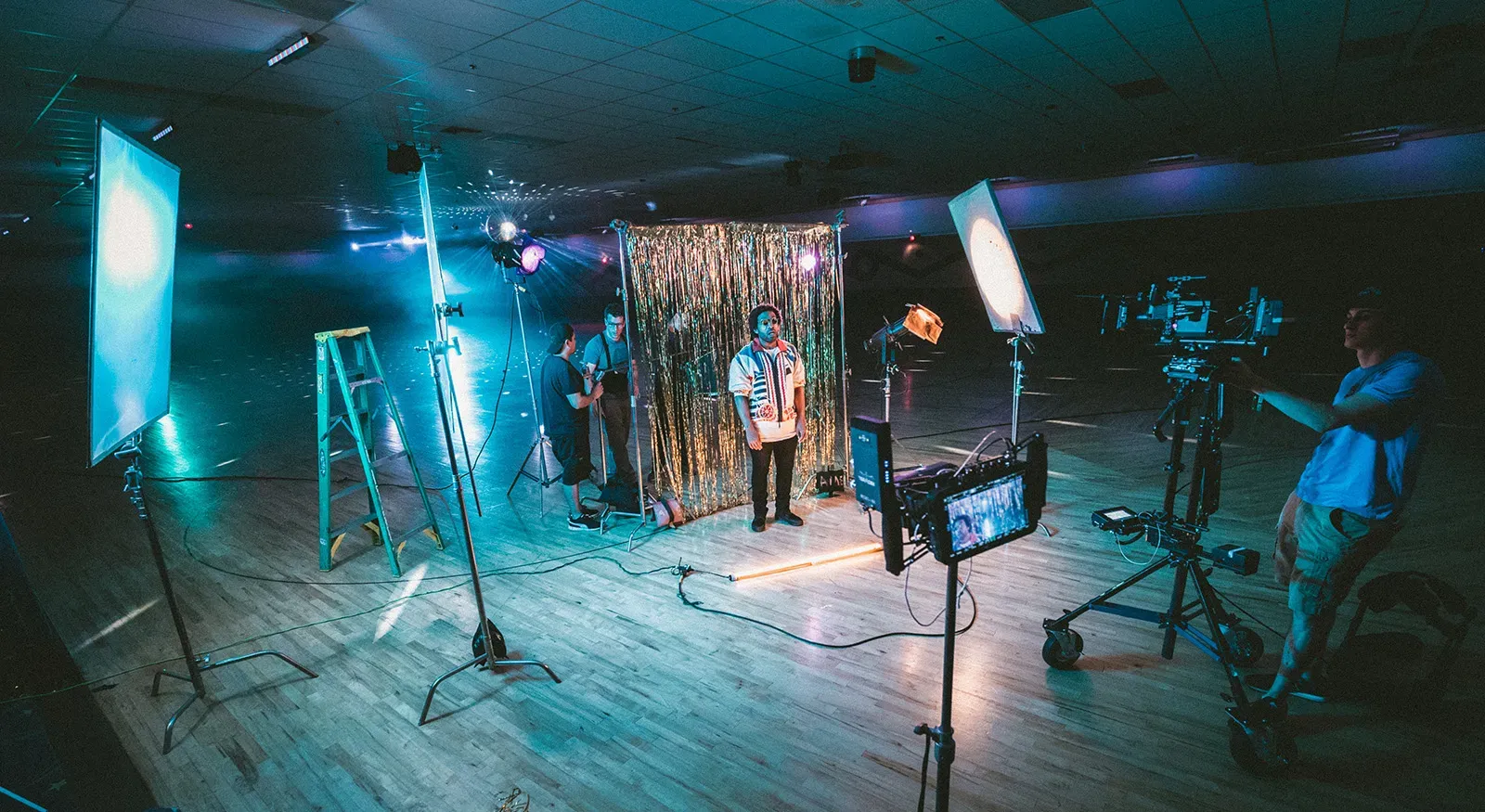
- A quick, high-level demonstration of how a stunt was performed—delivered in 30 seconds and made easy to understand.
- Seeing 3D visual effects being created on the computer.
- Watching the difference in an actor on the green screen vs the actual scene in the movie.
The same concept applies to game development: show quick, visually captivating snippets of an asset being created or a feature being implemented.
Types of Devlogs to Attract Players
Below are three main types of short-form devlogs that you can create to engage potential players—often years before your game is completed and even without a Steam or Itch page.
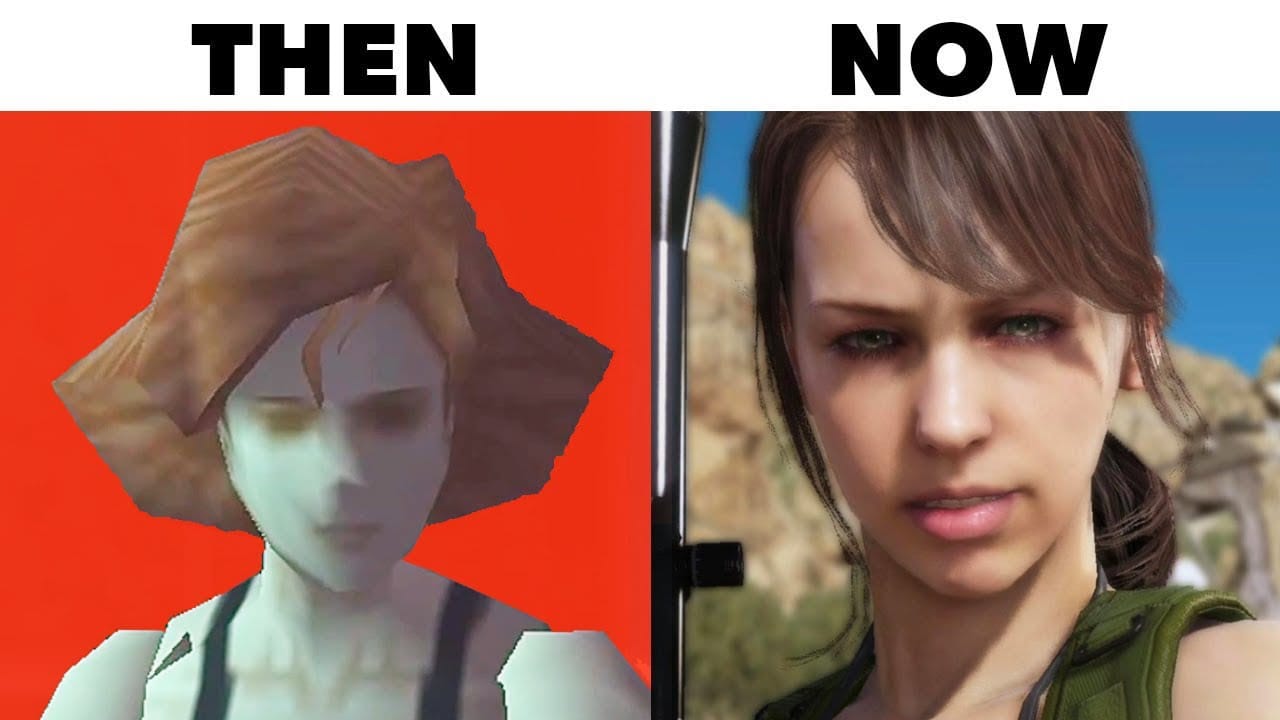
1. Before and After
“Before and After” devlogs showcase a graphical or functional improvement in the game. These can be extremely easy to produce. You can share:
- An image labeled “Before” and “After.”
- A short video clip showing how the game looked previously and how it looks now after an update or new asset.
This allows your audience to appreciate the progress you’re making and keeps them excited to see more.
2. Showing Off Improvements
Similar to “Before and After,” you might simply demonstrate a new feature without showing the old version. Examples include:
- Adding recoil to a gun and showing it in action.
- Demonstrating how plant life or water now reacts to character interactions.
This type of content shows your audience you’re actively developing the game and that it hasn’t fallen into “vaporware.”
3. The Making Of…
This form of devlog content quickly shows how a single element of the game was made. Because this is meant more for entertainment and conversion rather than deep technical insight, you often see time-lapse or fast-forward videos under 60 seconds. You can do a voiceover or simply set it to music. Bonus points if you end by showing the completed asset in the game.
Examples include:
- “Here is how I made the running motion for the main character.”
- “Watch how I designed the fauna for the forest animation.”
- “This is how we animate the car movements.”
- “Here is how we created the central building in the town.”
4. User's Choice & Feedback
One way involve people in your development process and get actionable feedback to make a better game is to ask people! Think about asking what they prefer, which one looks better, would you use this feature, etc. Take the picture below. The post on social can be: "Which axe would look better in our game?".
Continue Reading This Lesson
Join the academy to unlock the full video and deep-dive strategies.
Create Free AccountReady to test your knowledge?
Complete the lesson quiz to earn the How To Use Short-Form DevLogs In Social Media Marketng badge and progress toward your track certificate.