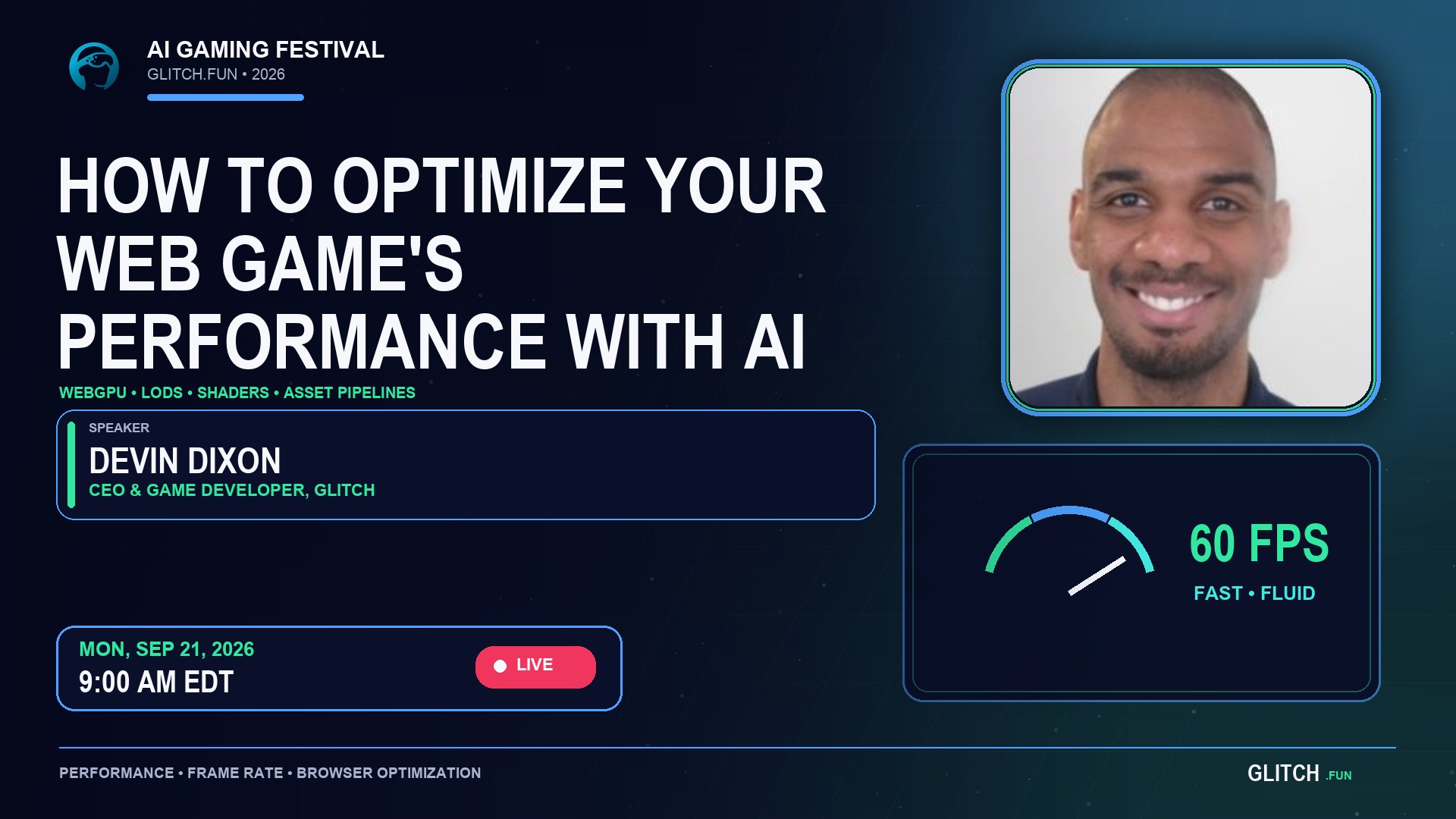
You’ve spent a lot of time developing your game’s graphics and polishing the experience to get it close to AAA quality. Often, better visuals come with the trade-off of slower performance, especially for web games, which have less graphical and processing power available than traditional PC games.
Telling AI to “optimize my performance for an AAA-quality game” is too vague and doesn’t provide enough information for the AI to find the trouble spots without wasting a lot of tokens and time—or finding them at all. While you don’t have to know how to code, you should understand the concepts needed to formulate better prompts for optimization.
For non-technical vibe coders, we’ll cover important topics to understand:
- WebGPU vs. WebGL
- LODs
- Compression
- Draw Calls
- Shaders
- Asset Pipelines
- Audio & Sound Effects
- Building Performance In
- Desktop vs. Mobile Optimization
- And other topics
By the end of the session, you’ll be able to prompt your AI to correctly optimize your game and deliver high-quality graphics without slowing down your users’ computers or hurting their experience.
Session speakers
Learn more about the person leading this session.

Devin Dixon
SpeakerCoding since he was 12, Devin now has nearly 30 years of development experience, ranging from full-stack development and game development to successfully leading companies from 0 to 1, raising capital from top VC firms, and even teaching coding at bootcamps. On the gaming side, he has also jumped into marketing, helping games reach nearly $1 million in sales within their first year.
Choose one admission option
Tickets remain available after the event. Purchase an available ticket or pass to access the recording and learning materials when published.
Purchase-window dates are shown in your local time.
This session has ended
The recording is ready and awaiting organizer publication. It is not available to attendees until the organizer publishes it.